


Mercedes A-W176 B-W246 ML-W166 SLK-R172 Passenger Seat Mat Occupancy Sensor Emulator
NO PROGRAMMING REQUIRED
Check Compatibility Details
SKU: OCS 2.5
In stock! Ships within 1-2 business days.
1-Year MK3 Warranty
Lightning Fast UK Delivery
Mercedes A-W176 B-W246 ML-W166 SLK-R172 Passenger Seat Mat Occupancy Sensor Emulator
Compatible Models & Part Numbers
Compatible Part Numbers
| List Is Not Definitive, A2468700310, A1178700110 |
Models
| Brand | Model | From Year | To Year |
|---|---|---|---|
| Mercedes | W176 | 2012 | 2015 |
| Mercedes | W246 | 2011 | 2015 |
| Mercedes | W204 | 2007 | 2014 |
| Mercedes | ML W166 | 2014/2015 | |
| Mercedes | W211 | 2003/4 | 2009 |
| Mercedes | 212 Sedan/Saloon | 2009 | 2016 |
| Mercedes | S212 Estate | 2010 | 2016 |
| Mercedes | C207 Coupe | 2010 | 2017 |
| Mercedes | A207 Cabriolet | 2010 | 2017 |
Videos:
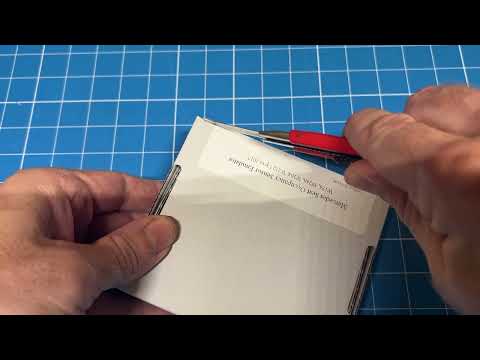
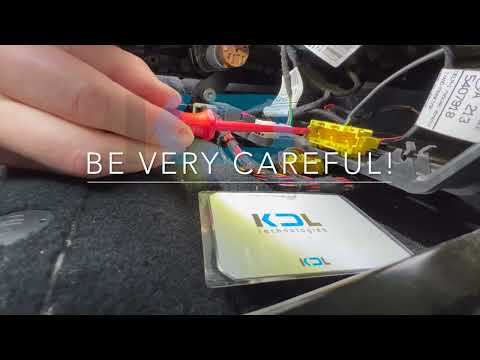
Product Description
Mercedes A-W176 B-W246 ML-W166 SLK-R172 Passenger Seat Mat Occupancy Sensor Bypass Emulator
Compatible with the 3 Wired Connector :
(Red, White, Brown) or (Black, Brown, Blue)
A – Class W176 2012 – 2015
B – Class W246 2011 – 2015
CL – Class C216 2006 – 2013
CLS – Class C218 (W218) 2011 – 2017
GL – Class X166 2012 – 2015
GLK – Class X204 2008 – 2014
ML – Class W166 2011 – 2015
SLK – Class R172 2011 – 2018
S – Class W221 2006 – 2013 (NOTE: Works for some variants only, not all)
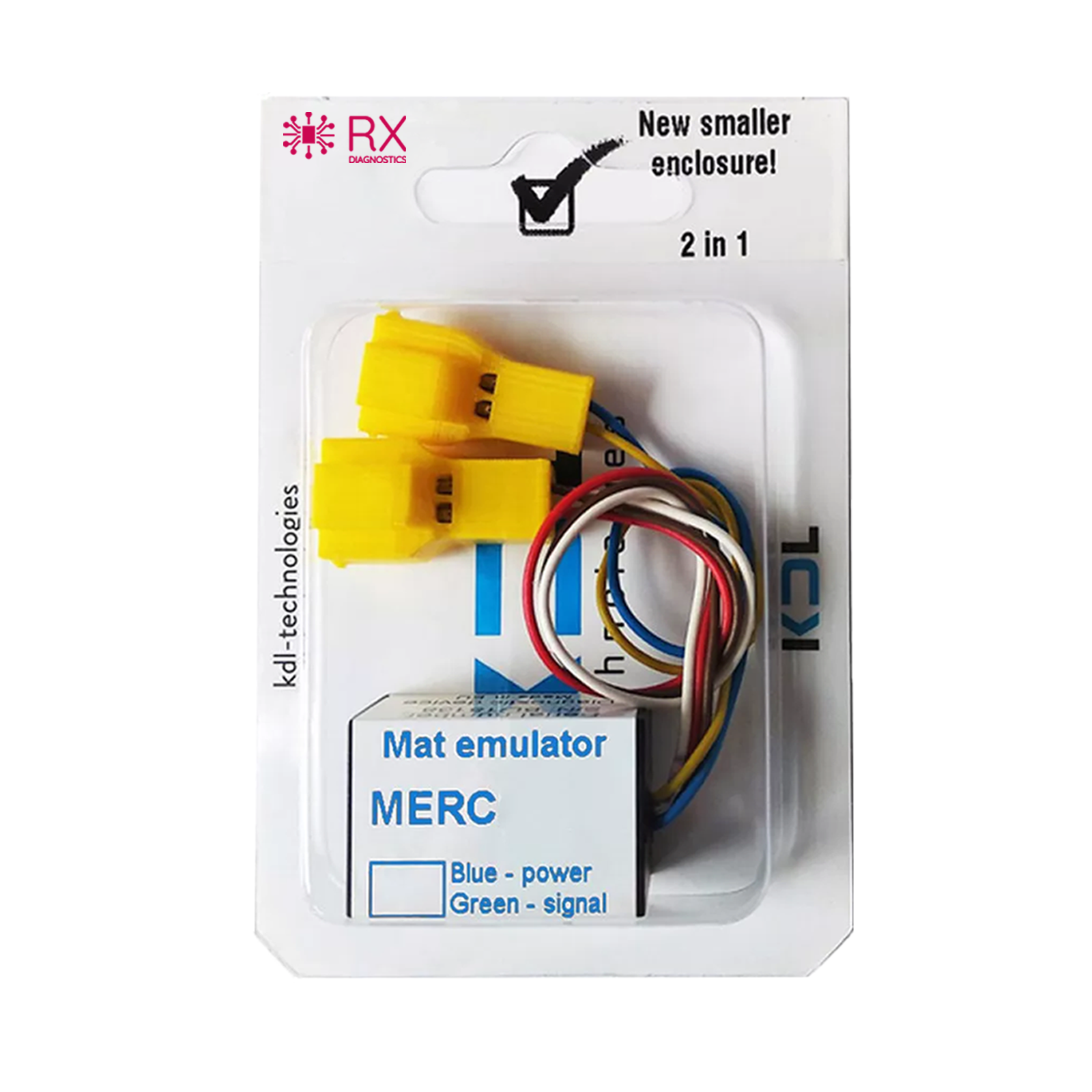
This seat occupancy diagnostic emulator is design to enable technicians confirm cause of SRS faults. This is achieved by the diagnostic device communicating to the vehicle system the seat is occupied, and seat belt engaged.
Once root cause confirmed, it is advised to replace the faulty sensor opposed to leaving the diagnostic device connected. Doing so would mean the airbag would always deploy in an accident, regardless the weight of object in the passenger seat.
DOES NOT FIT US MODELS
Contents
- 2 in 1 - Seat Occupancy Sensor Emulator, with Seat Belt Emulator
- Emulator Settings Instructions (Covers Multiple Seat Variations)
- Installation Instructions
Installation Overview
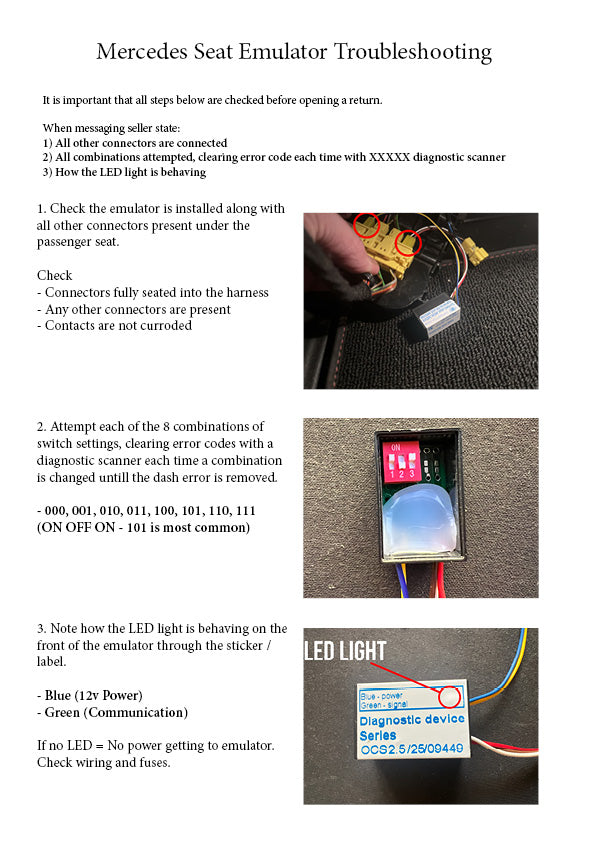
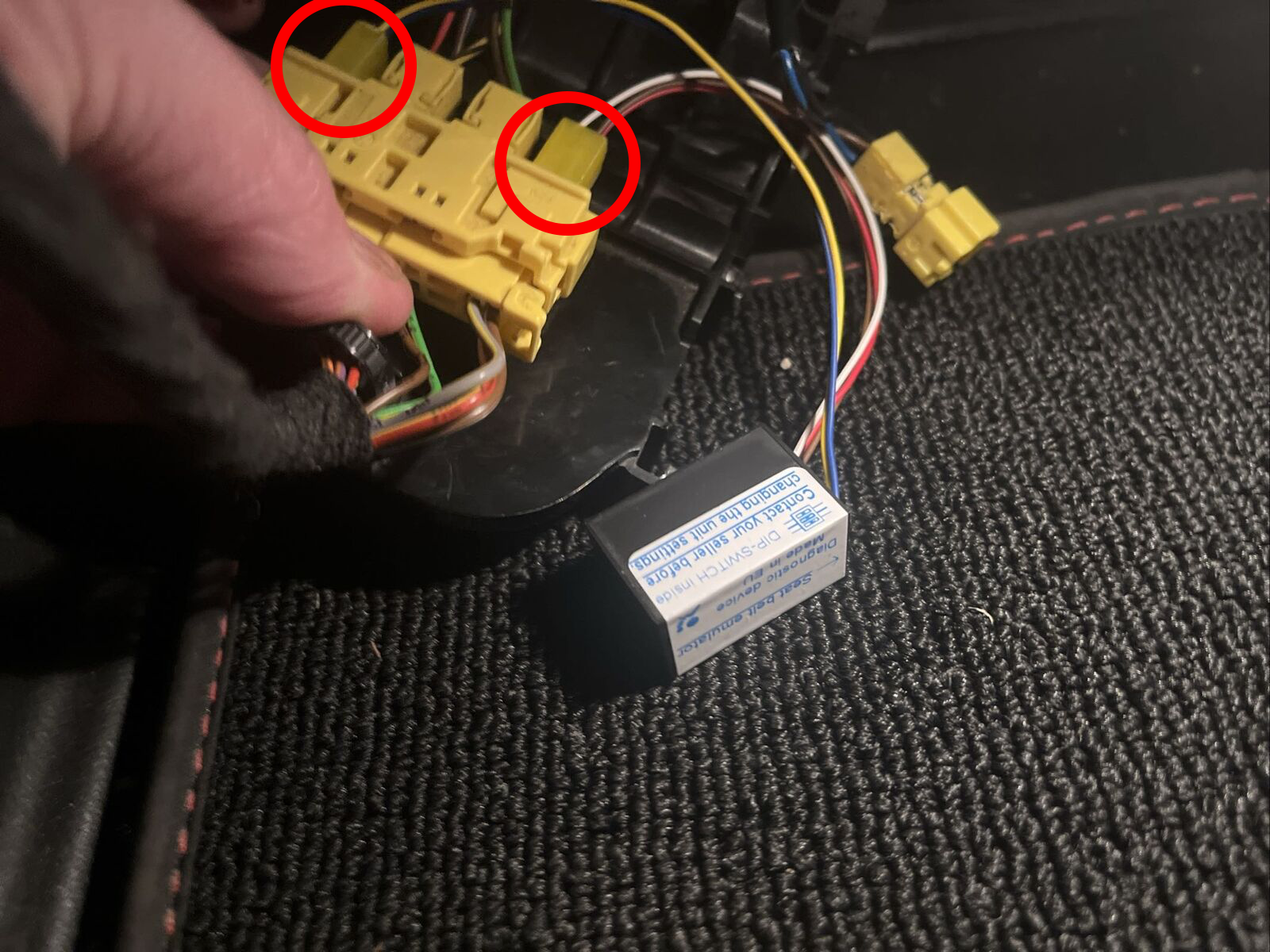
- Locate the faulty passenger seat sensor connector under the seat and remove the 2 connectors identified in the installation instructions.
- Connect the Genuine KDL Emulator.
- Using a diagnostic tool, clear any stored error codes.
- Turn on the ignition. If the error code reappears try the next dip switch setting.
- Once error light remains off you know for certain the seat sensor is the cause of the error.
Note on compatibility
- It is the responsibility of the buyer to check compatible part numbers / models.
- All available information from the manufacturer regarding compatibility is detailed in the listing, and accompanying videos.
- RX Diagnostics does not have any additional compatibility information, as we do not manufacture these.
- If you are unsure of compatibility, please hold off on purchasing and conduct research on vehicle forumns, groups etc.
- Whilst we appreciate many peoples first instinct is to email us asking, all
- we can do is refer to the manufacturers published compatibility - outlined in the listing.
- Whilst most emulators work on a wider range of vehicles, we do not have enough data to advsie on this. Only what the manufacturer states. which is on the listing.
- Emailing us registration numbers or models does not reveal any additional information. All compatibility information is maticulously published on the listing.
- We cannot advise on programming models that require this. These units are designed for trained auto technicians that use a variety of tools / software. Please conduct your own research on programming before placing an order on those models.